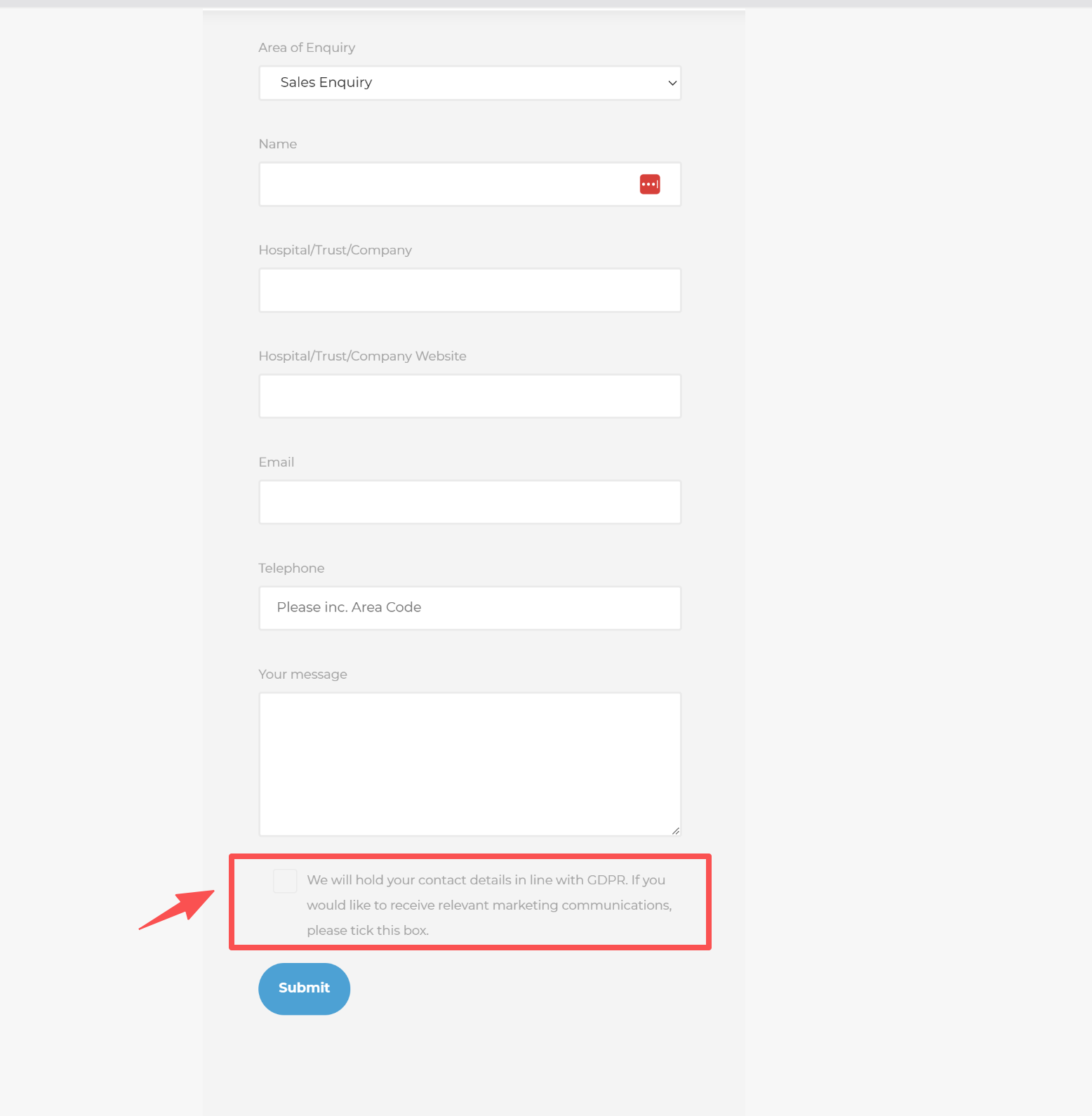
Subject: How to add a “Informed Consent” checkbox above the Submit button on Checkout/Form?
Content:
Hi everyone,
I am looking for a way to add a mandatory “Informed Consent” checkbox right above the [Submit] button on my CS-Cart store (specifically for a form/checkout page).
The text should read:
Informed Consent: [Checkbox] I agree to the processing of my professional/medical data according to the Privacy Policy.
Requirements:
- The checkbox must be mandatory (users cannot submit without checking it).
- It should be positioned directly above the submit button.
- The “Privacy Policy” text should ideally link to our policy page.
Could anyone guide me on which template file (.tpl) I should modify or if there is a built-in setting for this?
Thanks in advance!