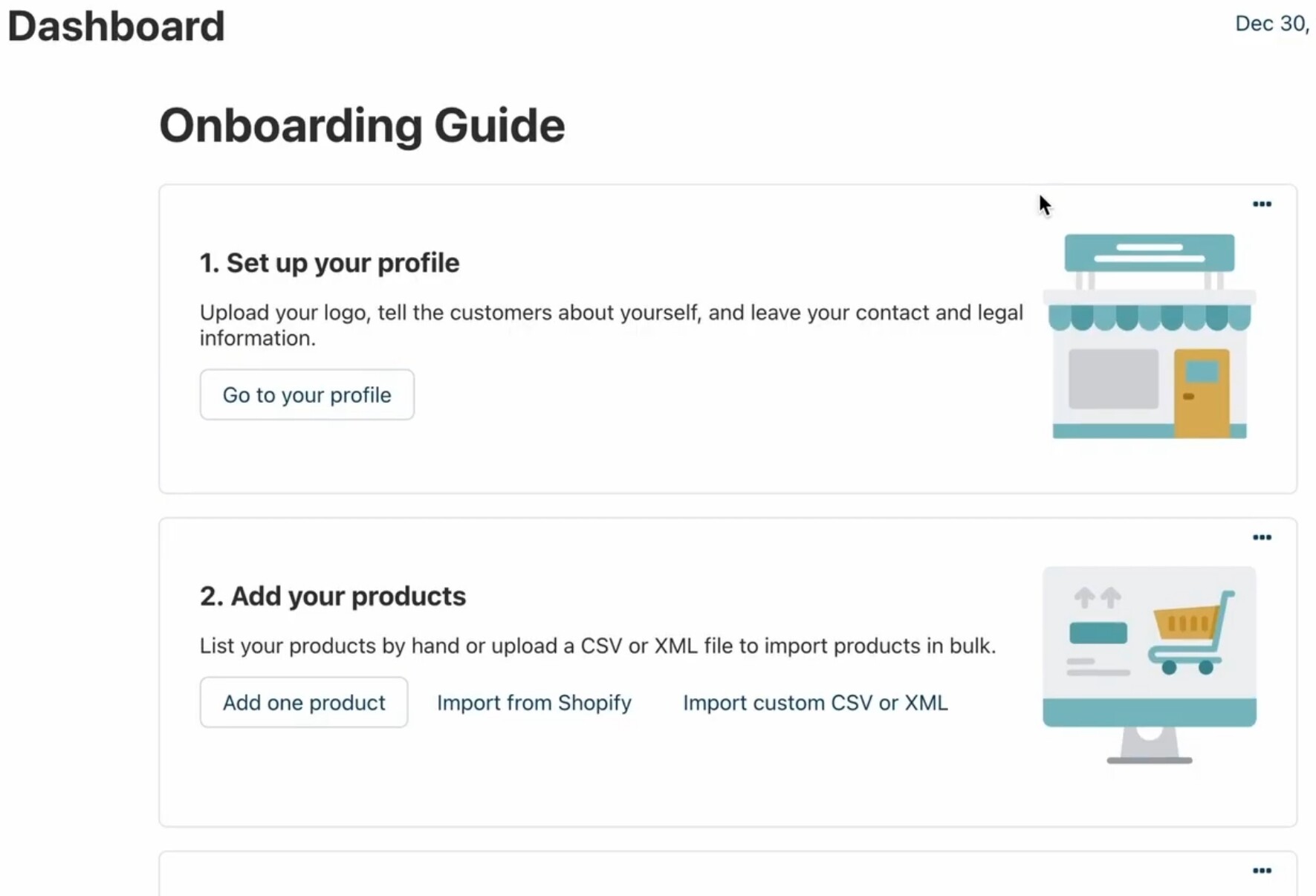
I cannot find where these articles are stored or how to locate them within the CS-Cart Admin Panel. Could you please advise where the Onboarding Guide content is managed and how I can edit existing articles or add new ones?
Multi-Vendorv4.20.1
Hello
These items are not articles and there is no article manager for them. What you see is the built-in “Custom blocks” feature, and these specific onboarding cards belong to the vendor panel dashboard, not to your own admin dashboard.
Because they belong to the vendor panel, you edit them from inside the vendor panel, not from the admin Dashboard:
- Go to yours vendor panel
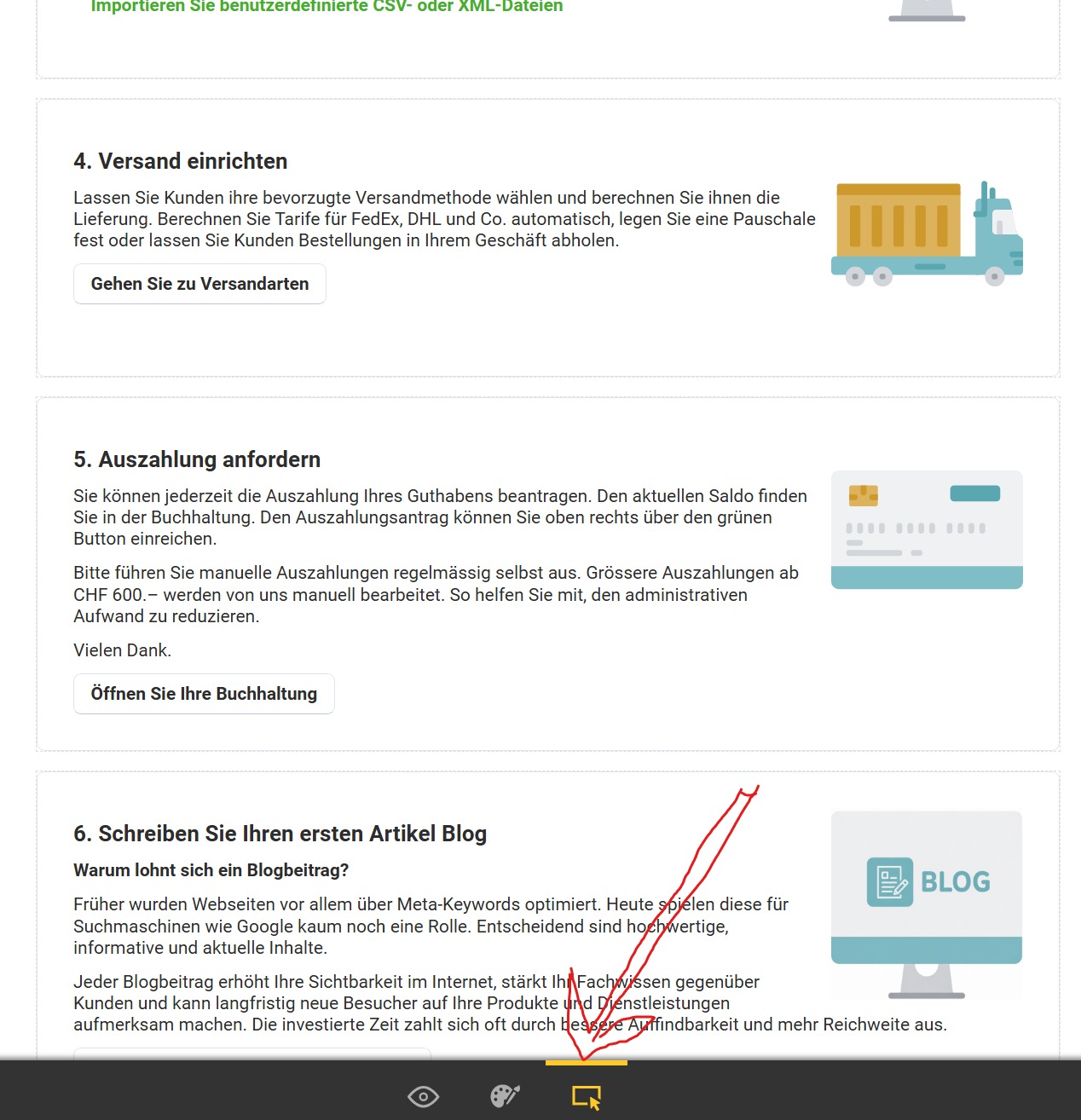
- On that Dashboard, turn on the editing mode using the toggle in the toolbar at the bottom of the page
- With editing mode on, each onboarding card shows edit and delete controls and a “Create block” button appears so you can add new cards.
- Save and turn editing mode off when done. The content is stored in the database, so your changes apply to what vendor see.
Best regards
Robert
1 Like
Thanks to the Soft-Solid team, I just overlooked the bottom of the page as you explained . I have uploaded a screenshot showing what I missed in the hurry. Regards
Hello
Glad to hear it works now, and thank you for the kind words.
Have a nice day
Best regards
Robert