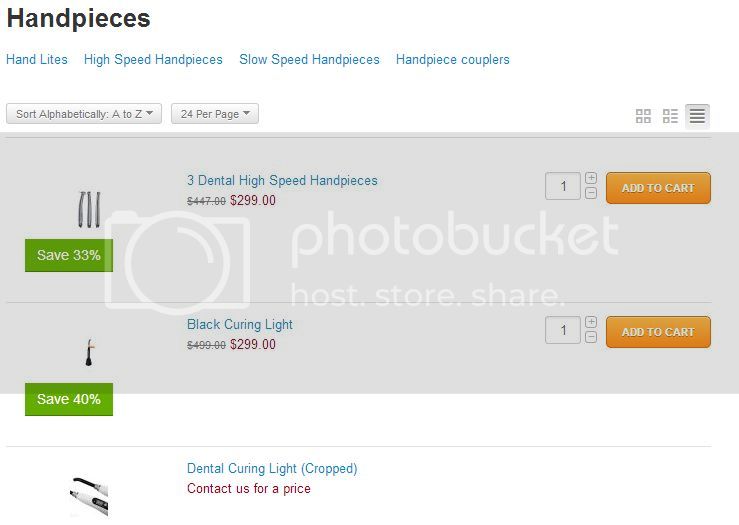
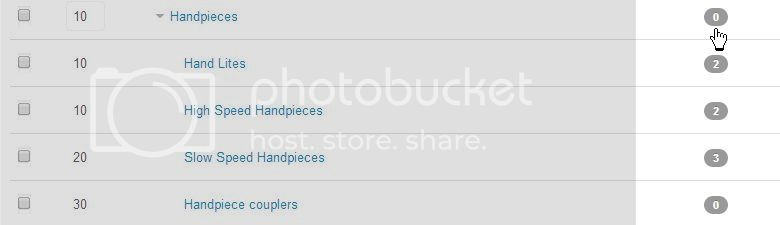
I have 7 main categories *use basic theme and template
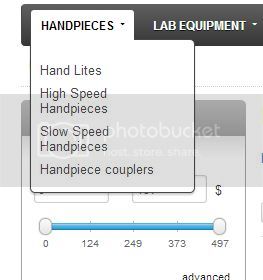
some categories have Sub-categories
IF the Category HAS Subs / then there are NO products in the top level category = they are ALL only in the Subs
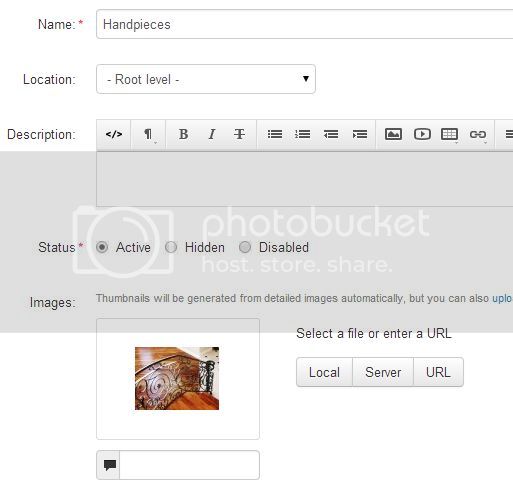
- where does my category photo not appear anyhere?
- when I click the top level Category - it shows the photos of ALL the products in ALL the Subs
sort of defeats the purpose of SUBS??
can I tweak this? or is it hard coded this way
thanks
************
****************************
***********************************************************************
***********************************************************************
***********************************************************************
Settings>General
Under Catalog:
Uncheck “Show products from subcategories of the selected category:”
your solution was PERFECTO
THANKS !!
ps
still do not see my category photo anywhere ??
is that another check box?
Hello TheeDragon,
You can see the category images on the catalog page of your storefront (index.php?dispatch=categories.catalog). Images of subcategories should be displayed on the page of their parent category. Please check it.
[quote name=‘simtechdev’ timestamp=‘1405056541’ post=‘187364’]
Hello TheeDragon,
You can see the category images on the catalog page of your storefront (index.php?dispatch=categories.catalog). Images of subcategories should be displayed on the page of their parent category. Please check it.
[/quote]
hmm . . . do not seem to have a catalog page /.? // I even tried to key in the URL you suggested = page not found
re: sub-category images = they DO display when click the Parent Category 
EXCEPT
IF the Parent has its OWN Products
(for the few time I did NOT have a Sub-Category for ALL top level Categories)
is this an anomoly on the coding? if yes - I can work around
(ie not put ANY product into a TOP level Category
thanks for previous ( and future  ) replies