Creating A Block .tpl File

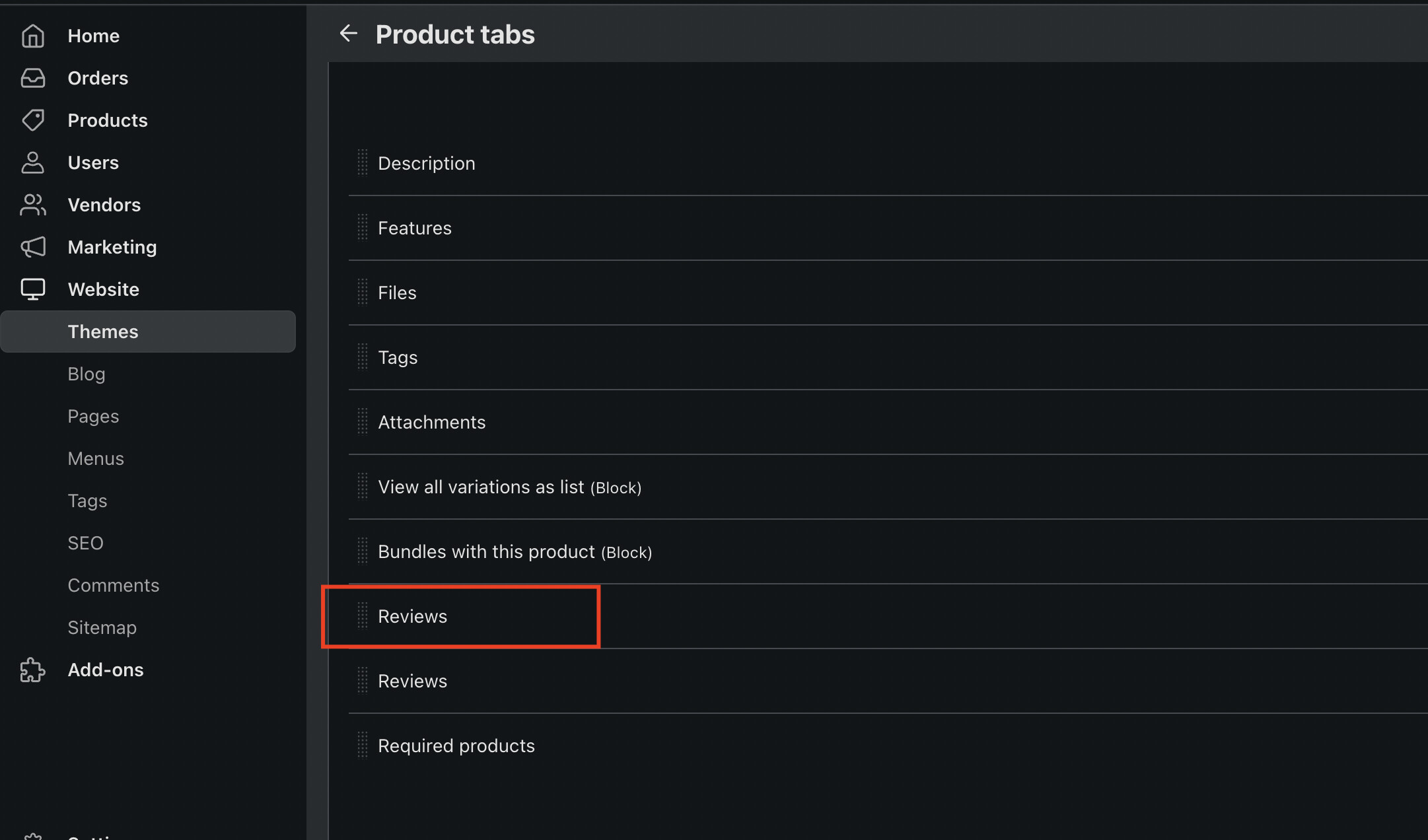
For example, the tab with reviews is added through the addon

It has the following file:

var/themes_repository/responsive/templates/addons/product_reviews/blocks/product_tabs/product_reviews.tpl

Alternative path:

design/themes/responsive/templates/addons/product_reviews/blocks/product_tabs/product_reviews.tpl

During installation process the system analyses addon structure and add tabs from the product_tabs directory to the database

As a result, you will see new tab here

If you want to create tab manually and use custom block there, it can be done at anytime

I see, very useful information.
I added in the addon in path: \design\themes\responsive\templates\addons\my_customaddon\blocks\product_tabs\mytemplate.tpl and I saw that tab was created automcatically in [Table: cscart_product_tabs_descriptions) but with empty name. eg tab_id 1, languge en and name empty.
Do you have any ideea where to mention the name of the tab to be save in database, in addon.xml, or i func.php or other place. Thank you!
Try to add the following code as first line of the tab template

{** block-description:my_tab_title **}

Then add the my_tab_title language variable and reinstall the module